Introduction
SNK created one of the most iconic arcade gaming systems ever made: the Neo Geo.
Released in 1990, the Neo Geo became famous for delivering arcade-quality experiences that were far ahead of their time. It introduced powerful hardware, massive game cartridges, highly detailed sprite graphics, outstanding music quality, and competitive fighting games that later became global esports legends.
For many retro gamers, Neo Geo represents the golden age of 2D arcade gaming.
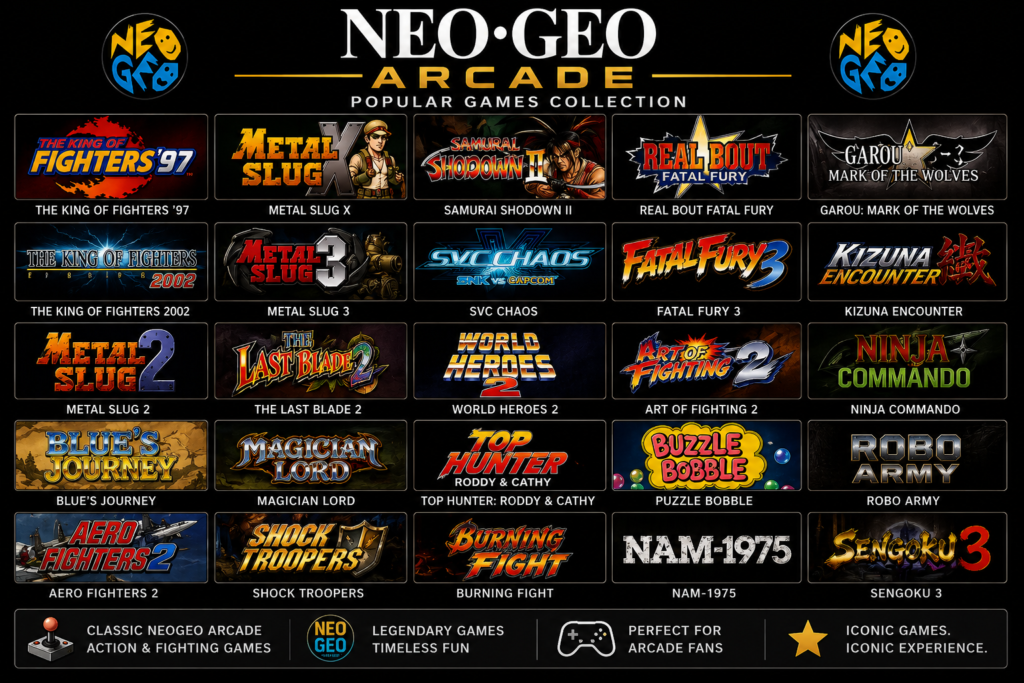
The system became home to legendary franchises such as:
The King of Fighters
Metal Slug
Samurai Shodown
Fatal Fury
Art of Fighting
Garou: Mark of the Wolves
Shock Troopers
Last Blade
World Heroes
Aero Fighters
Puzzle Bobble
Even decades later, Neo Geo games remain highly respected for:
Smooth animation
Fast gameplay
Beautiful pixel art
Intense arcade difficulty
Memorable soundtracks
Competitive multiplayer mechanics
The Birth of Neo Geo
SNK’s Vision
SNK wanted to create something revolutionary: a platform capable of delivering true arcade experiences both in arcades and at home.This vision led to two connected systems:
MVS (Multi Video System) Arcade cabinets
AES (Advanced Entertainment System) Home console
Neo Geo became famous for gigantic character sprites and fluid animation.Some fighting games contained hundreds of animation frames per character.
Neo Geo Emulation
Modern emulators allow players to enjoy Neo Geo games on:
Android
PC
Linux
Mac
Retro handhelds
Raspberry Pi devices
Popular emulators include:
Emulator Platform
MAME Multi-platform
FinalBurn Neo Multi-platform
RetroArch Multi-platform
Neo.emu Android
MAME4droid Android
How to Play Neo Geo Games Using an Emulator
Step 1 — Install an Emulator
Choose a Neo Geo compatible emulator.
For Android:
RetroArch
Neo.emu
For PC:
FinalBurn Neo
MAME
RetroArch
Step 2 — Obtain Neo Geo ROM Files
Neo Geo games are stored as ROM files.
They usually appear as:
.zip
Example:
kof97.zip
mslug.zip
samsho2.zip
Important:
Do NOT extract ZIP files
Keep ROMs compressed
Step 3 — BIOS File Requirement
Neo Geo requires a BIOS package:
neogeo.zip
This BIOS contains:
system startup files
audio data
hardware instructions
Without it:
games will not boot
Place neogeo.zip inside the ROM folder. but don’t worry, BIOS is include in this roms pack, so simply extract the roms pack to ROMs Folder.
Step 4 — Configure ROM Directory
Inside the emulator:
Open settings
Choose ROM path
Select your Neo Geo ROM folder
Refresh game list
Step 5 — Launch a Game
Select a game from the emulator list.
The emulator initializes:
graphics
sound
BIOS
controls
Then the game starts.

Neo Geo ROMs Pack Complete Collection Including BIOS –
Compatible Emulator :
Finalburn – Winkawaks – Retroarch – MAME – Neo.Emu
Compatible in Windows and Android